
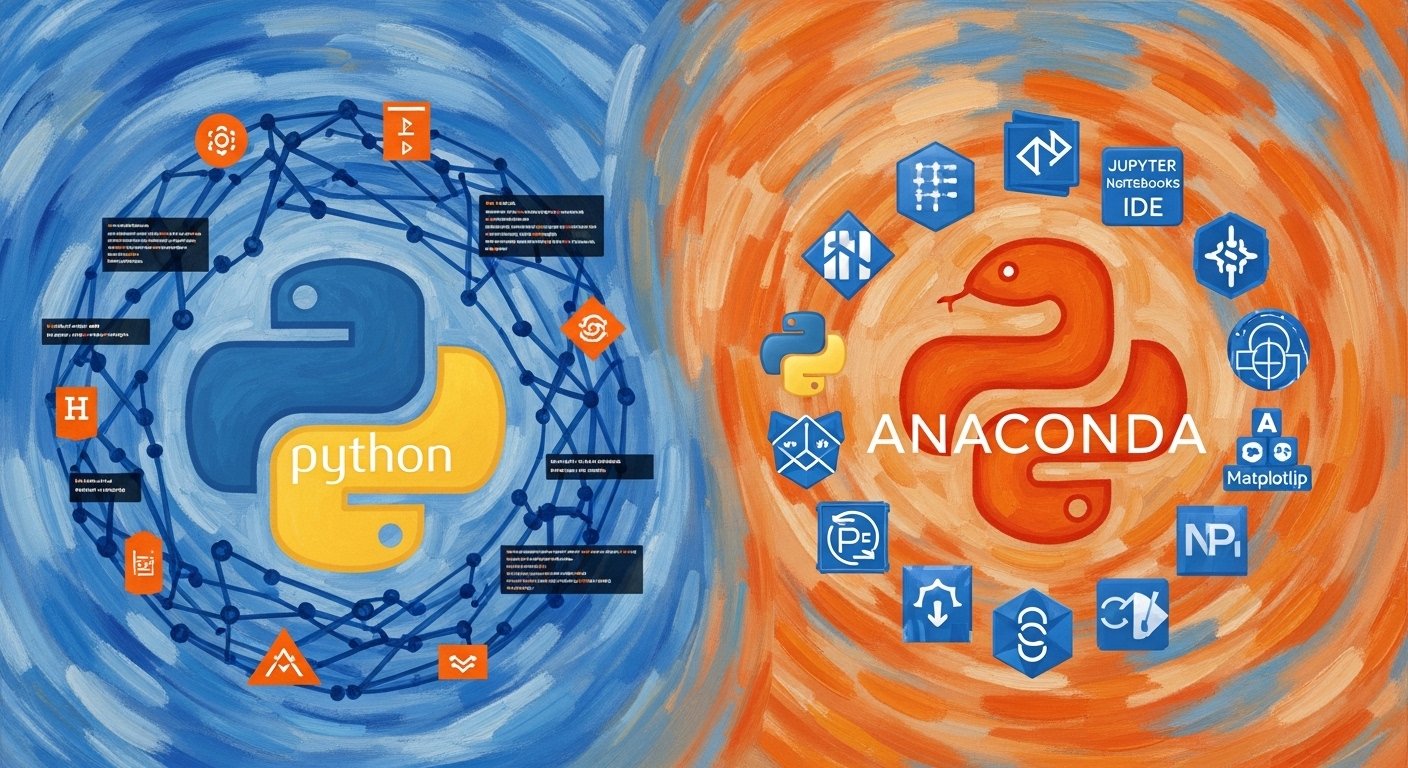
A student wanted to learn data science. First, she installed Python to write code. Then her teacher suggested installing Anaconda to manage tools easily. Soon she realized that Python helped her write programs, while Anaconda helped organize everything needed for data work. This simple experience explains the relationship between Python and Anaconda. Many beginners confuse Python and Anaconda because both are used in programming and data science. However, Python and Anaconda serve different purposes even though they work together. Understanding Python and Anaconda helps learners install software correctly, avoid errors, and build projects smoothly in coding, research, and artificial intelligence fields.
Key Difference Between Python and Anaconda
The main difference between Python and Anaconda is simple:
- Python is a programming language.
- Anaconda is a software distribution that includes Python plus many tools.
Python writes code.
Anaconda manages environments and packages.
Why Is Their Difference Necessary to Know for Learners and Experts?
Knowing the difference saves time and effort. Beginners often install many libraries manually and face errors. Experts need stable environments for research and machine learning. Understanding Python and Anaconda helps society by supporting software development, scientific research, automation, and education. Universities, industries, and researchers depend on correct setup to build reliable systems.
Pronunciation (US & UK)
Python
- US: /ˈpaɪθɑːn/
- UK: /ˈpaɪθən/
Anaconda
- US: /ˌænəˈkɑːndə/
- UK: /ˌænəˈkɒndə/
Programming begins with clarity. Now let us explore their detailed differences.
Difference Between Python and Anaconda
1. Basic Nature
Python: Programming language.
Examples:
- Writing calculator programs
- Creating web applications
Anaconda: Software distribution.
Examples:
- Installing Python automatically
- Managing data science tools
2. Purpose
Python: Used to write code.
Examples:
- Automation scripts
- Game development
Anaconda: Used to manage tools.
Examples:
- Installing libraries
- Managing environments
3. Installation
Python: Installed alone.
Examples:
- Download from python.org
- Manual setup
Anaconda: Comes with many packages.
Examples:
- One-click installation
- Pre-installed libraries
4. Package Management
Python: Uses pip.
Examples:
- pip install numpy
- pip install pandas
Anaconda: Uses conda.
Examples:
- conda install scipy
- conda update packages
5. Target Users
Python: General programmers.
Examples:
- Web developers
- Software engineers
Anaconda: Data scientists.
Examples:
- Machine learning students
- Researchers
6. Environment Control
Python: Limited environment tools.
Examples:
- Virtualenv setup
- Manual version control
Anaconda: Easy environments.
Examples:
- Multiple Python versions
- Separate project setups
7. Storage Size
Python: Small installation.
Examples:
- Quick download
- Less disk space
Anaconda: Large installation.
Examples:
- Many libraries included
- Requires more storage
8. Ease for Beginners
Python: Needs manual setup.
Examples:
- Installing libraries separately
- Configuration steps
Anaconda: Beginner friendly.
Examples:
- Ready-to-use setup
- Built-in tools
9. Tools Included
Python: Core interpreter only.
Examples:
- Basic coding
- Command line use
Anaconda: Includes tools.
Examples:
- Jupyter Notebook
- Spyder IDE
10. Use in Data Science
Python: Needs extra libraries.
Examples:
- Install TensorFlow
- Install Matplotlib
Anaconda: Data science ready.
Examples:
- Preloaded analytics tools
- Scientific computing support
Nature and Behaviour of Both
Python behaves like a flexible language. It adapts to many fields such as web development, automation, and AI.
Anaconda behaves like a toolkit manager. It organizes software environments and prevents conflicts between projects.
Why Are People Confused About Their Use?
People see Python running inside Anaconda. So they think both are the same. Beginners install Anaconda and assume it replaces Python. In reality, Anaconda simply includes Python and manages it.
Difference and Similarity Table
| Feature | Python | Anaconda | Similarity |
|---|---|---|---|
| Type | Programming language | Distribution platform | Used together |
| Purpose | Coding | Environment management | Supports development |
| Size | Small | Large | Software tools |
| Users | Programmers | Data scientists | Learning tools |
| Installation | Manual | Pre-packaged | Python based |
Which Is Better in What Situation?
Python is better when you need lightweight programming or web development. Developers who want control prefer installing Python alone. It works well for scripting, automation, and software applications where fewer libraries are needed.
Anaconda is better for data science and research. It simplifies setup and avoids dependency problems. Students and researchers working with machine learning, statistics, or big data benefit greatly from Anaconda’s ready environment.
How Are Python and Anaconda Used in Metaphors and Similes?
- Python is often called the language of ideas.
Example: Python works like a universal pen for programmers. - Anaconda is compared to a toolbox.
Example: Anaconda acts like a workshop full of ready instruments.
Connotative Meaning
Python
- Positive: simplicity, flexibility
Example: Python makes coding easy. - Neutral: programming tool
Example: Python is used in software work. - Negative: slower than compiled languages
Example: Python may run slower in heavy tasks.
Anaconda
- Positive: convenience, organization
Example: Anaconda simplifies setup. - Neutral: software distribution
Example: Anaconda manages packages. - Negative: large size
Example: Anaconda needs more storage.
Idioms or Proverbs Related
Direct idioms are rare, but tech sayings exist:
- “Python makes hard things simple.”
Example: Python makes hard data analysis simple. - “Use the right tool for the job.”
Example: Anaconda is the right tool for data science setup.
Works in Literature
- Learning Python | Technical Book | Mark Lutz | 1999
- Python for Data Analysis | Technical Guide | Wes McKinney | 2012
Movies Related to the Keywords
Python
- Monty Python and the Holy Grail (1975, UK)
- Monty Python’s Life of Brian (1979, UK)
Anaconda
- Anaconda (1997, USA)
- Anacondas: The Hunt for the Blood Orchid (2004, USA)
Frequently Asked Questions
1. Is Anaconda a programming language?
No, it is a distribution.
2. Does Anaconda include Python?
Yes, Python comes preinstalled.
3. Should beginners use Python or Anaconda?
Beginners in data science should use Anaconda.
4. Can Python work without Anaconda?
Yes, Python works independently.
5. Do professionals use Anaconda?
Yes, especially in research and analytics.
How Are Both Useful for Surroundings?
Python helps build software, automation tools, and AI systems that improve daily life. Anaconda supports scientific research, medical analysis, and environmental modeling. Together, they help solve real-world problems through technology. See also…
Final Words for Both
Python gives power to create.
Anaconda gives order to creation.
Conclusion
Understanding the difference between Python and Anaconda helps learners choose the right setup for programming and data science. Python serves as the language that builds applications, while Anaconda provides a structured environment that manages tools efficiently. Both work best together but serve unique roles. When users understand this distinction, learning becomes faster and projects become stable. Clear knowledge reduces technical problems and improves productivity for students, developers, and researchers worldwide.

The author is a Ph.D scholar and has keen interest in what is happening around the world. I love to write, travel and observe. Constant zeal for new ideas is a trigger for me. Love, respect and live peacefully